Our advanced search gives you the ability to search by multiple criteria for creating a very focused list of properties. For example, you might pull up all residential properties in a specific zip code, that have sold in the last year, and are valued between $200,000 and $300,000.
To start your search, first, begin by selecting one or more (up to 4) counties. After selecting the county or counties, use any or all of the sections below to set your search criteria. Each section has a Submit button to save you from scrolling unnecessarily. You can select any Submit button once you have entered your search criteria regardless of the section it is entered.
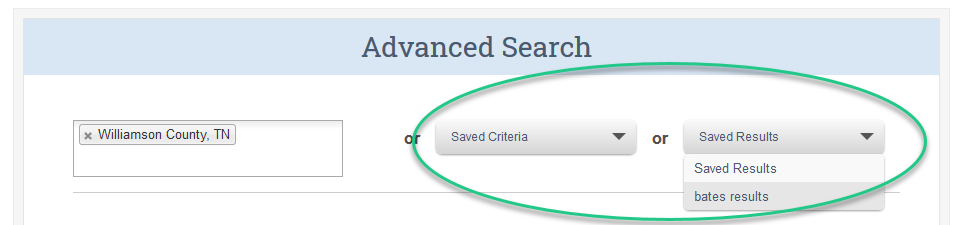
If you previously saved search criteria or a results list, you can select either the criteria to populate on the search page or the results list to open from one of the drop-down lists.
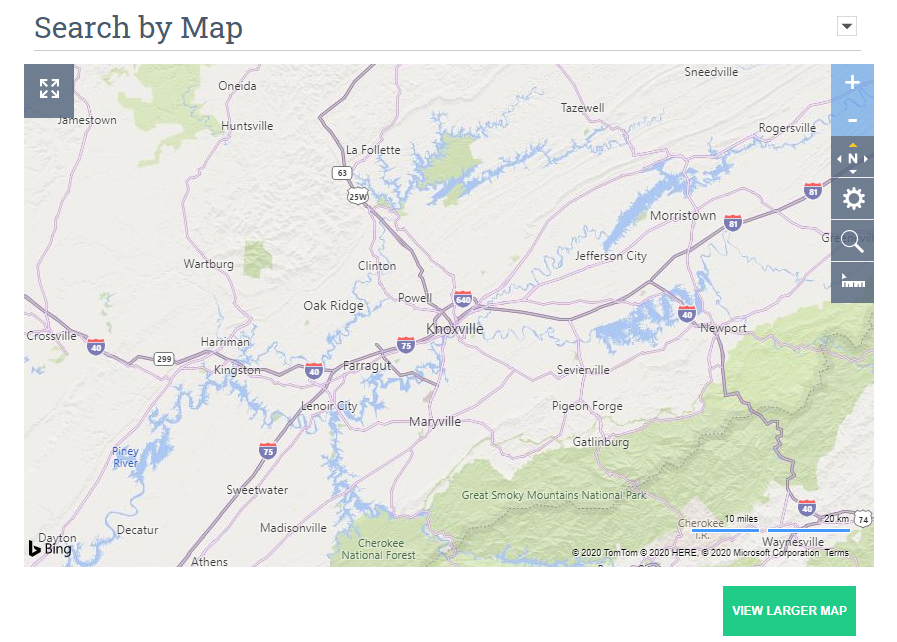
Search by Map
Use the map to select an area to search by drawing shapes. For example, to select the properties within a circular area, select the magnifying glass icon then choose Radius. See the Using Map Search article to learn more about drawing shapes. After you've drawn your shape, select Include this shape option to set this area as criteria. You can continue selecting more criteria in other sections or select one of the Submit buttons to see a list of properties in your drawn shape.
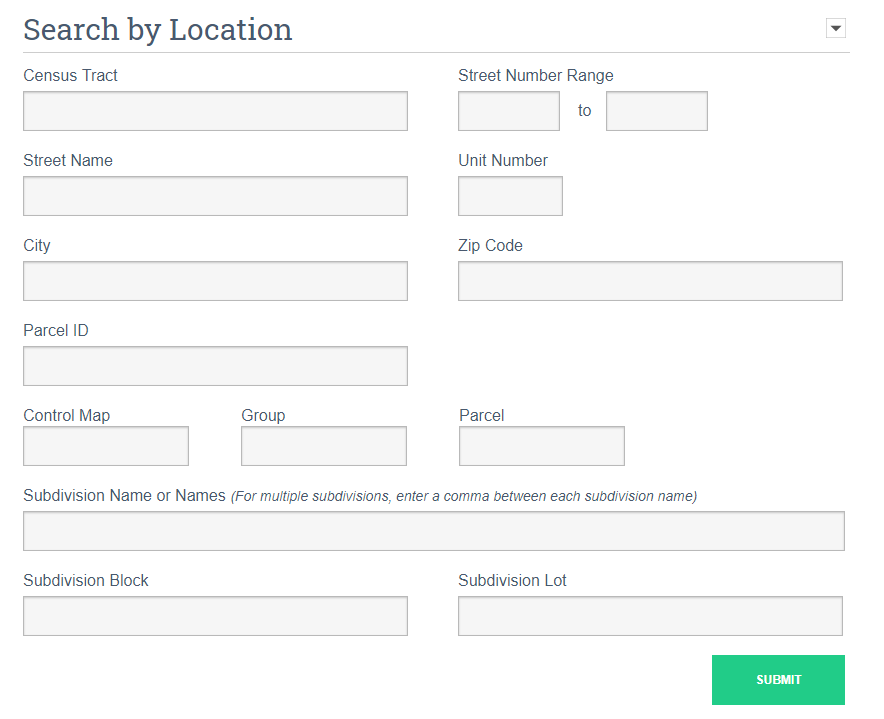
Search by Location
Use a variety of location details to filter your results. The information you can search in this section depends on the public property records available from the local assessor for the county/parish/city selected. This information can be different from each area.
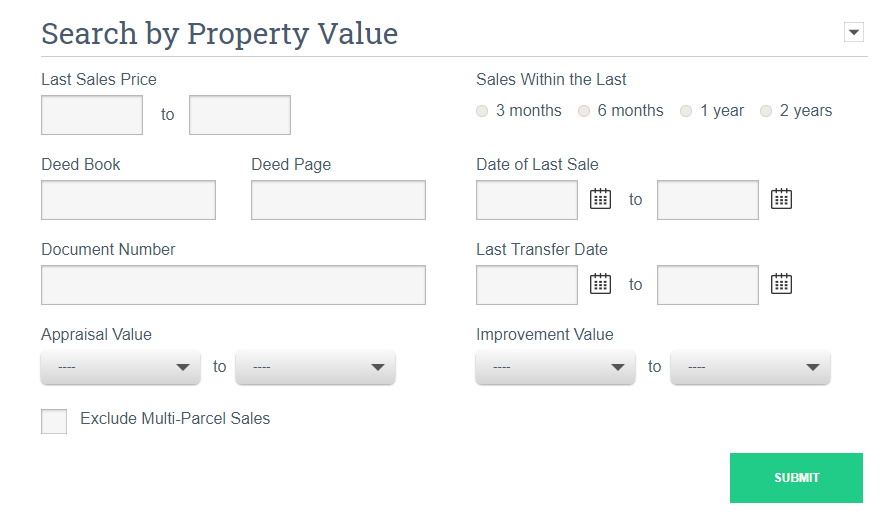
Search by Property Value
Enter prices, values, or even dates of previous sales. You can search for sales prices over $200,000 by entering 200000 in the left box under Last Sale Price and leaving the right box empty. The same principle applies under Date of Last Sale to find any property last sold after a specific date.
See What's the difference between Sale and Transfer article to determine which search option will meet your needs.
Search by Property Characteristics
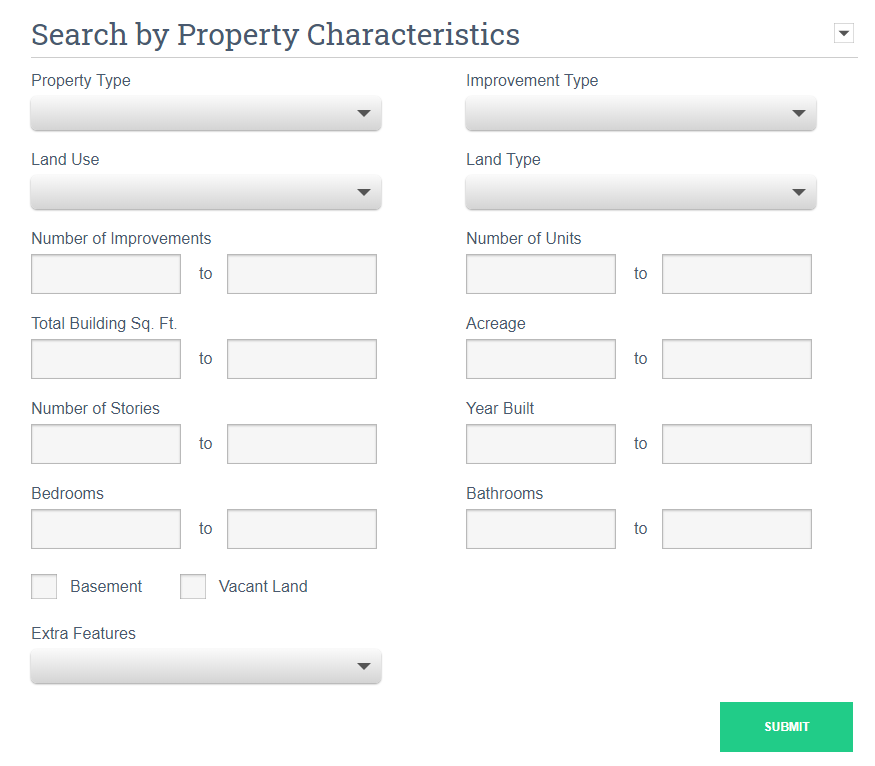
Search by type of property, improvement, or land use. Also look for square footage, acreage, and year built. Searching for number of stories, bathrooms, and bedrooms is handy. Just like the values above, entering a number in the box on the left and leaving the box on the right empty will show you all properties over that initial value. In the screenshot below, we’ll see all properties that have three or more bathrooms and three or more bedrooms.
Owner Profile
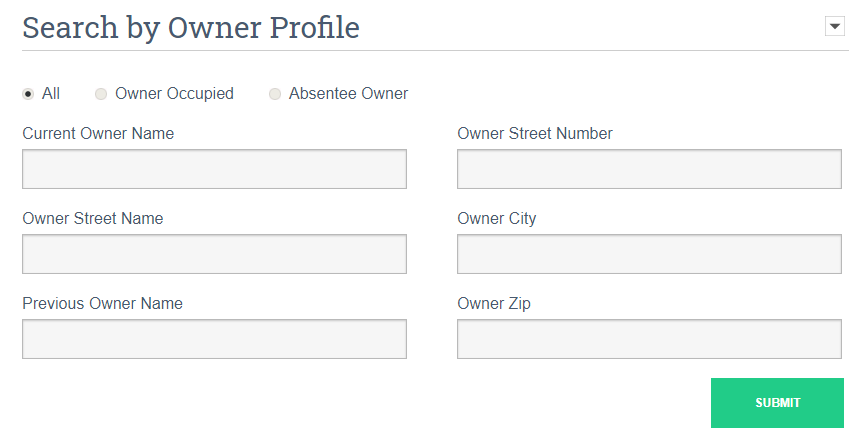
Search by the name, street name, or street number of the current owner or the name of the previous owner, as well as owner status.