When you conduct a property search using the Advanced Search and Map Search, you can customize which data you would like to include as well as how your results are displayed by adjusting which columns you want to appear. There are two ways to do this.
1. From the Search Results window, click on the column title and drag it to the position you would like it to appear.
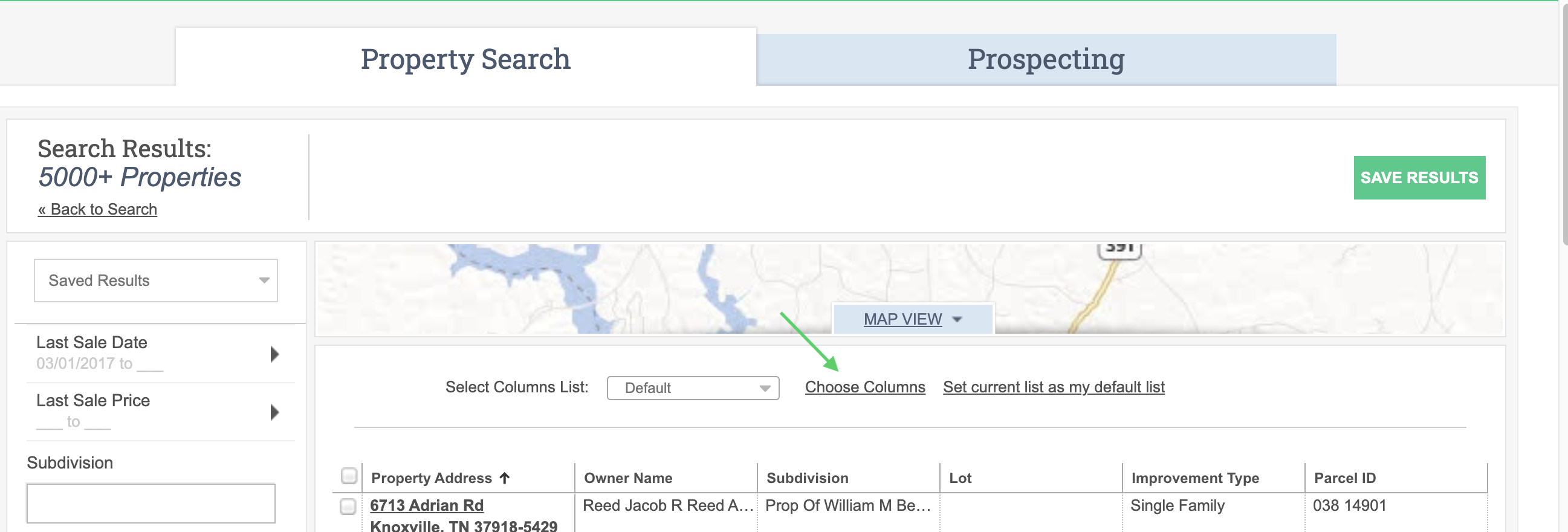
2. Or, click on Choose Columns on the Search Results page.
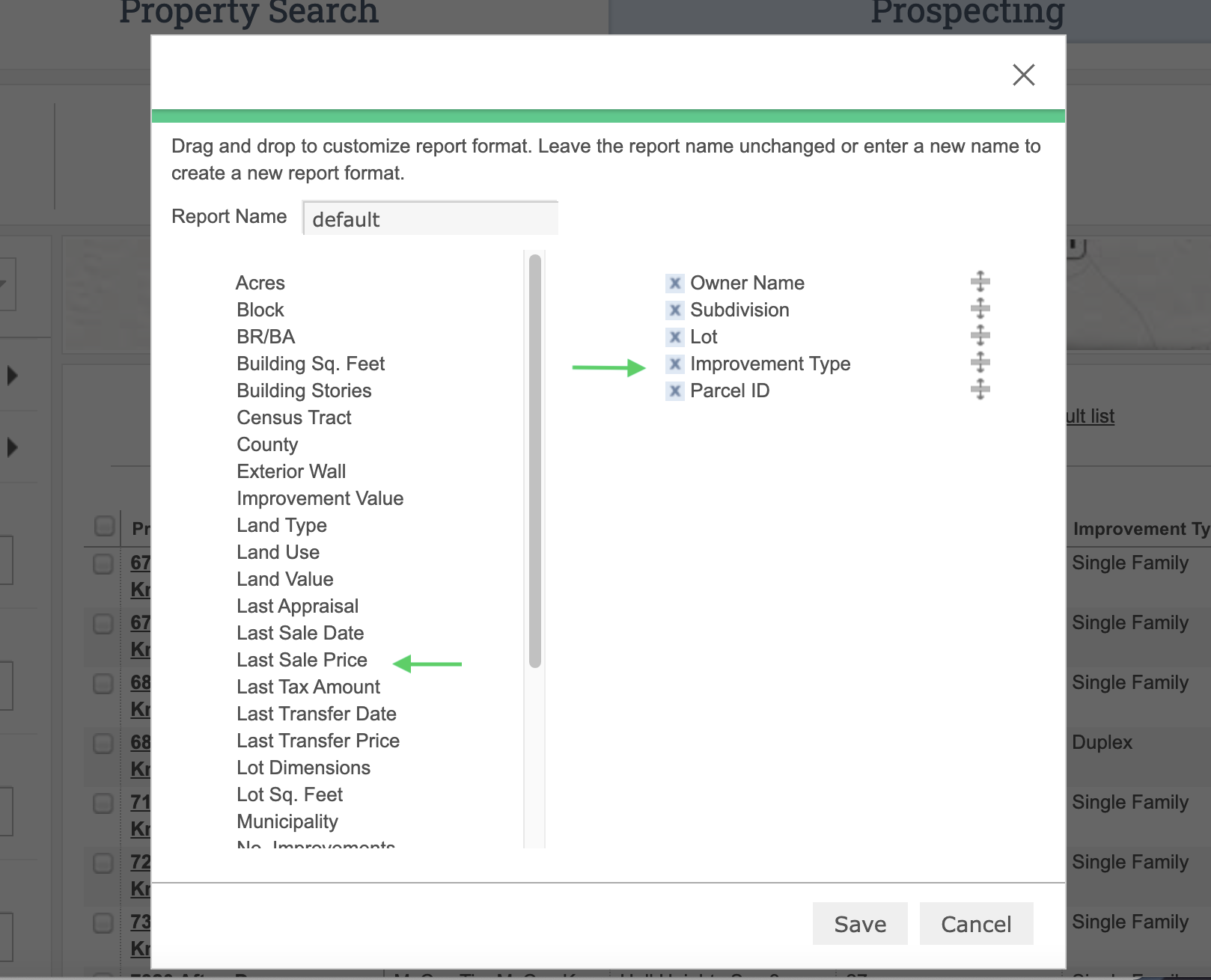
Then, click and drag the columns you wish to appear from the left to the right. Alternatively, you can remove the columns you do not wish to appear by clicking on the “X” to the left of the column title on the right side. You may also click and drag the column titles up or down to adjust the order of the columns.