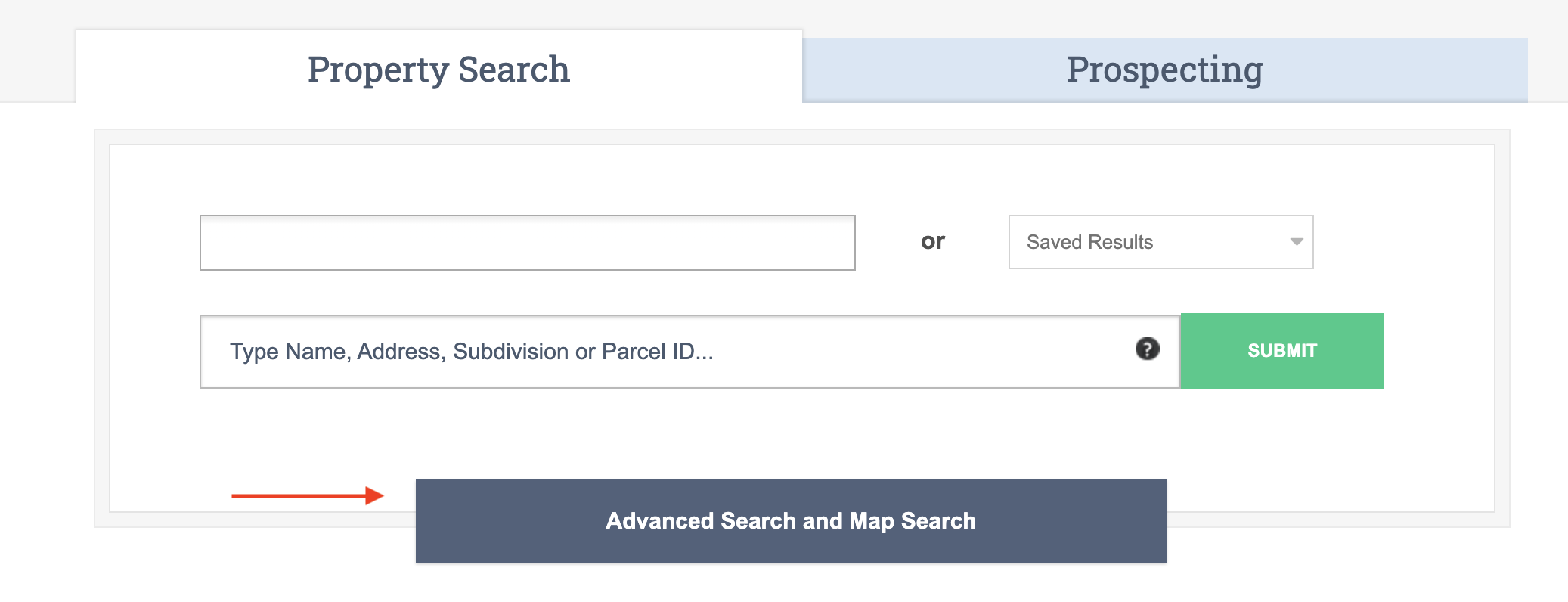
The Advanced Search tool can help you create a very focused list of properties using multiple search criteria. Begin by logging into LocalLook and clicking on the blue bar titled, “Advanced Search and Map Tool”.
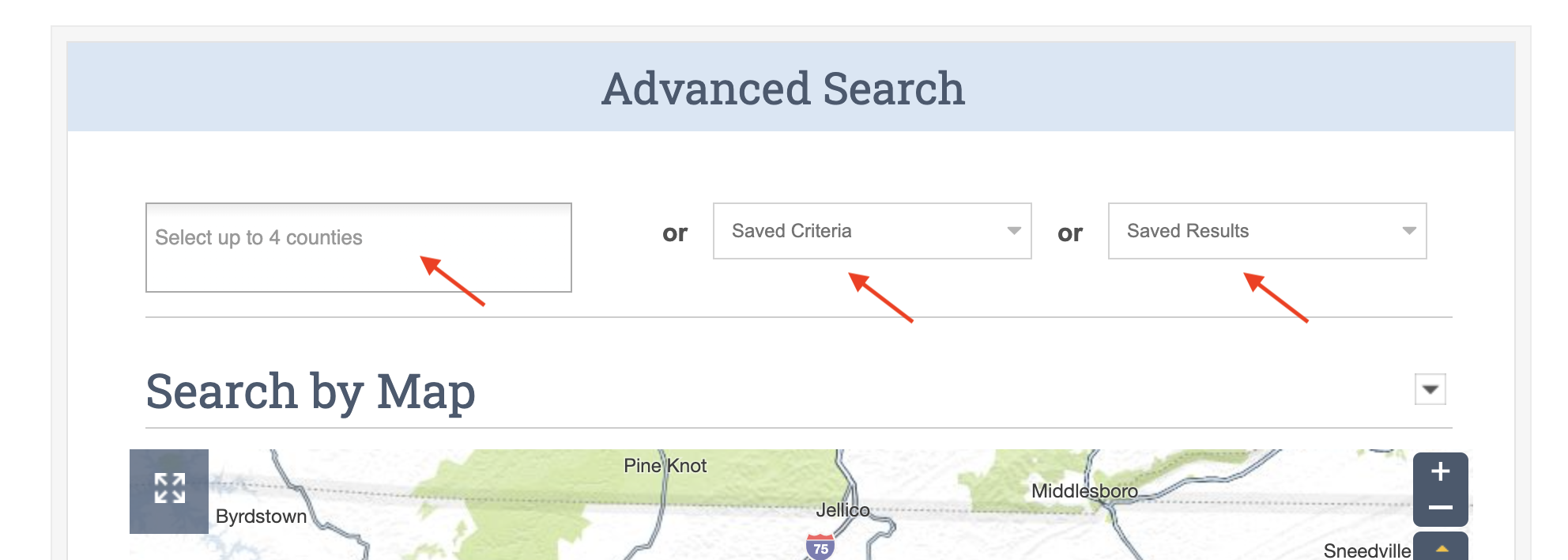
On the Advanced Search page, begin your search by selecting up to four counties. Or, if you previously saved search criteria or a list of results, you can select either from the drop down lists under Saved Criteria or Saved Results.
After selecting the county or counties, you may search criteria based on Location, Property Value, Property Characteristics, or Owner Profile. As a best practice, use between 3 to 5 criteria for best results.
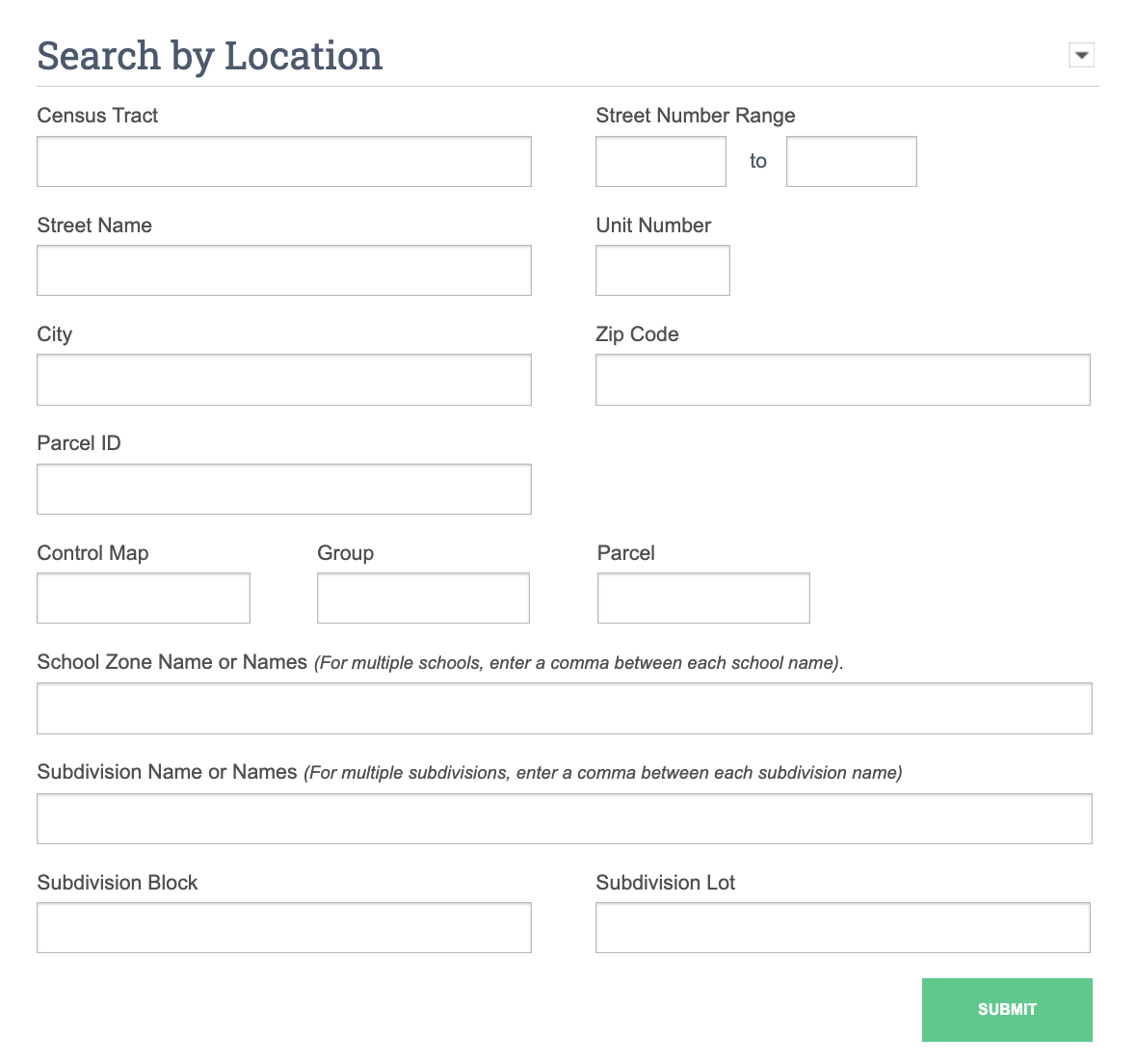
Search by Location
The information you can search in this section depends on the public property records available from the local assessor for the county/parish/city selected. This information can be different from each area.
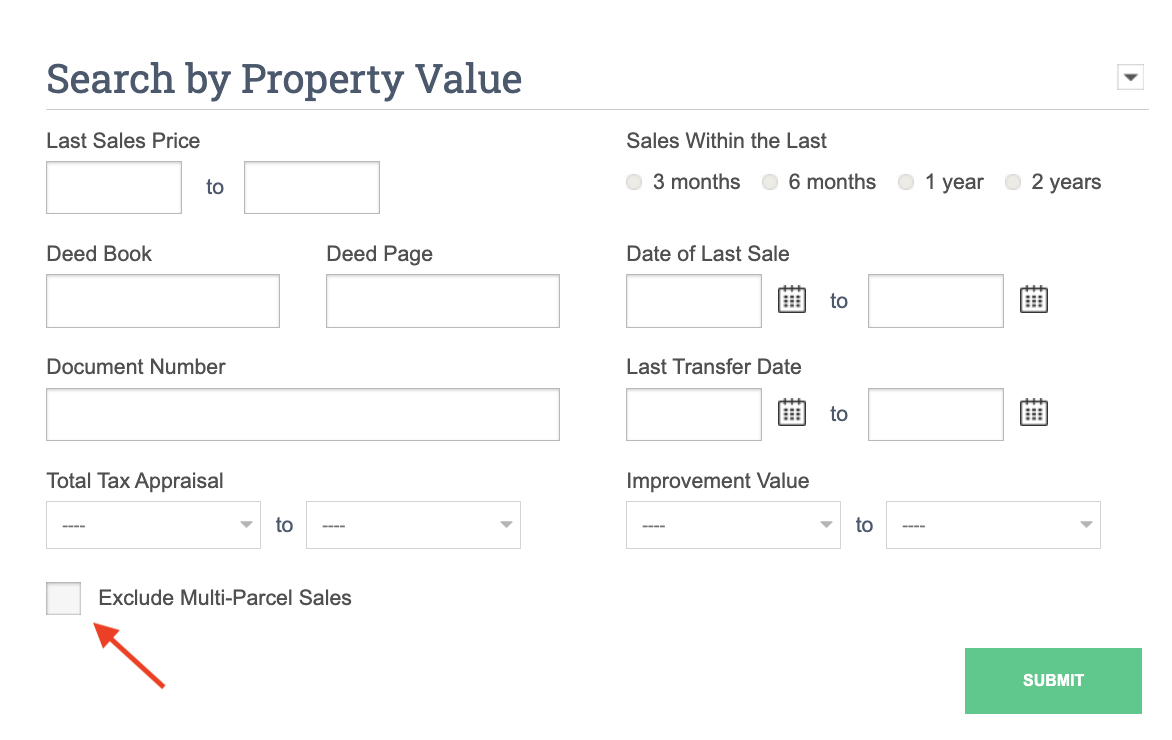
Search by Property Value
You may also want to include a minimum or maximum home sale price and/or a last sale date in this section. You can check the “Exclude Multi-Parcel Sales” box so that you are not locating sales where several parcels were a part of one sales transaction.
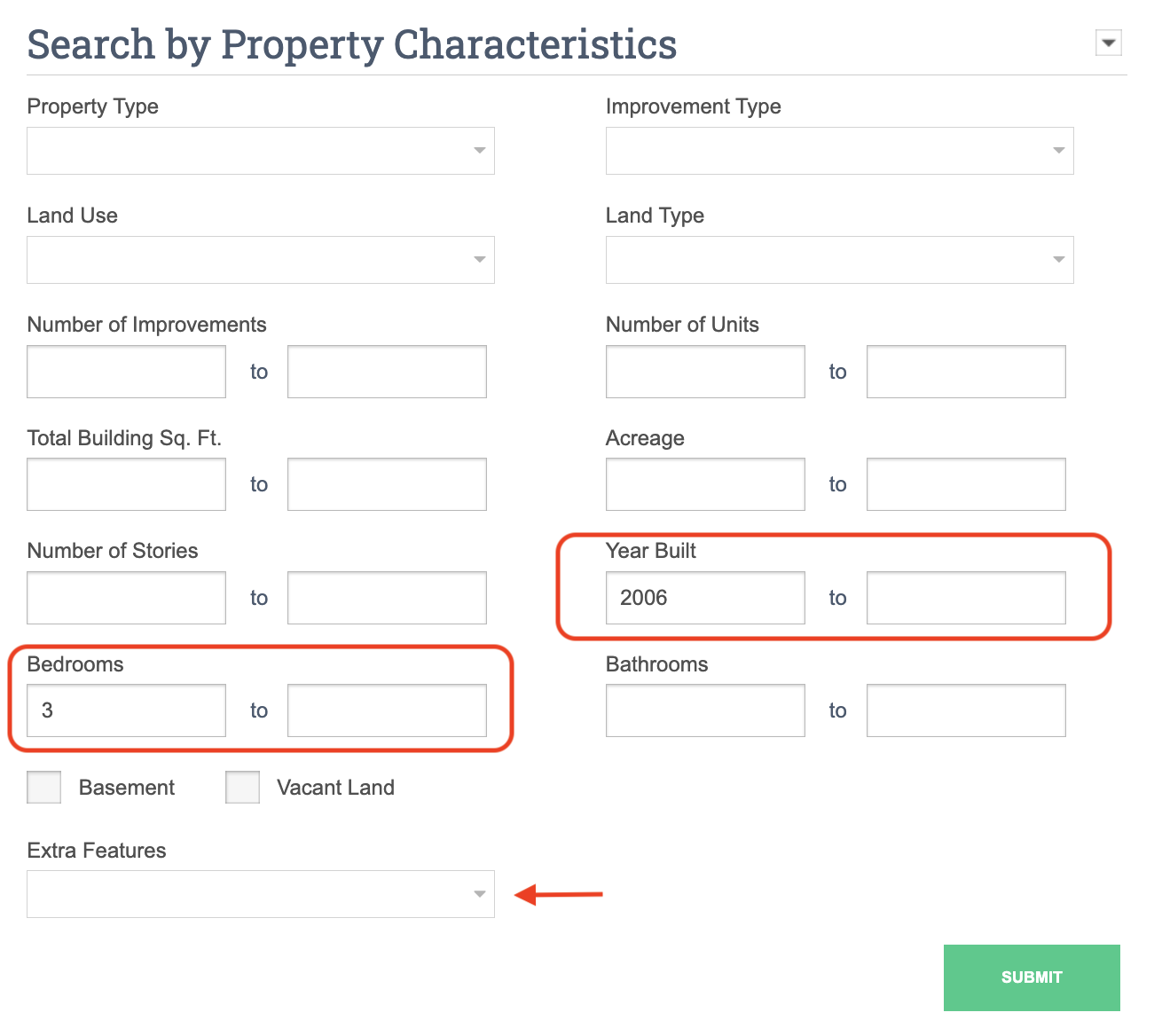
Search by Property Characteristics
Choose from several property characteristics in this section to further refine your search. As with the values in the other sections, entering a number in the box on the left and leaving the box on the right empty will show you all properties at and over the initial value.
You may also add extra features in this section by selecting the drop down under Extra Features. Keep in mind, this feature is only available on a single county search.
Search by Owner Profile
Finally, you may search by the name, street name, or street number of the current owner or the name of the previous owner, as well as owner status. Each section has a Submit button to save you from scrolling unnecessarily. You can select any Submit button once you have entered your search criteria regardless of the section it is entered.